


Apps That Invade Your Privacy: What You Need to Know
Your phone is supposed to make life easier, not hand your personal data over like snacks at a party. But what if the very apps you use every day are quietly tracking where you go, who you interact with, what you search, and even how you think, all without you realizing it?
According to privacy researchers, a surprising number of popular apps are collecting data far beyond what they need to work properly. Here's the kicker, you might have most of these apps on your phone already.
In this post, we’ll break down which apps are crossing the privacy line, explain exactly what they’re collecting and why it matters, and most importantly, what you can do right now to reclaim control of your information without living off the grid.
What the Reports Found
On average, apps collect a median of 2.0 different types of data per app, such as location or device ID. Some apps transmit advertising IDs (69%) or Android IDs (56%), showing how even widely used apps quietly share personal information. Recent privacy investigations show this is not a one-off problem. Many popular apps follow the same pattern, collecting and transmitting data far beyond what users expect.
Apps Collecting Excessive Data
Many popular apps request access to far more information than their core features require.
Reports found apps collecting data such as:
- Precise location data: Real-time GPS tracking and location history, which can be used for targeted ads or shared with third parties.
- Photo and media library access: Images, videos, and embedded metadata like timestamps and geotags.
- Contact lists: Names, phone numbers, and email addresses. Apps can even collect this information across shared devices.
- Device identifiers: Advertising IDs, device IDs, and other unique hardware identifiers that help the company track usage across apps.
- Usage behavior: Time spent in the app, clicks, search history, browser type, and interaction patterns.
- Network information: IP address, carrier details, and connection data, which can sometimes be linked to identity theft if exposed in data breaches.
In some cases, a permission supports a feature. In others, the connection is unclear.
The gap between what an app needs and what it collects is where privacy risk starts.
Apps Flagged in Privacy Investigations
Studies show that 44% of certain mobile data collection apps used for field research had zero data transmissions, highlighting tools built with a privacy-first approach. Security reviews also identified several widely used apps across different categories that raised concerns around data collection or security practices.
Social Media Platforms
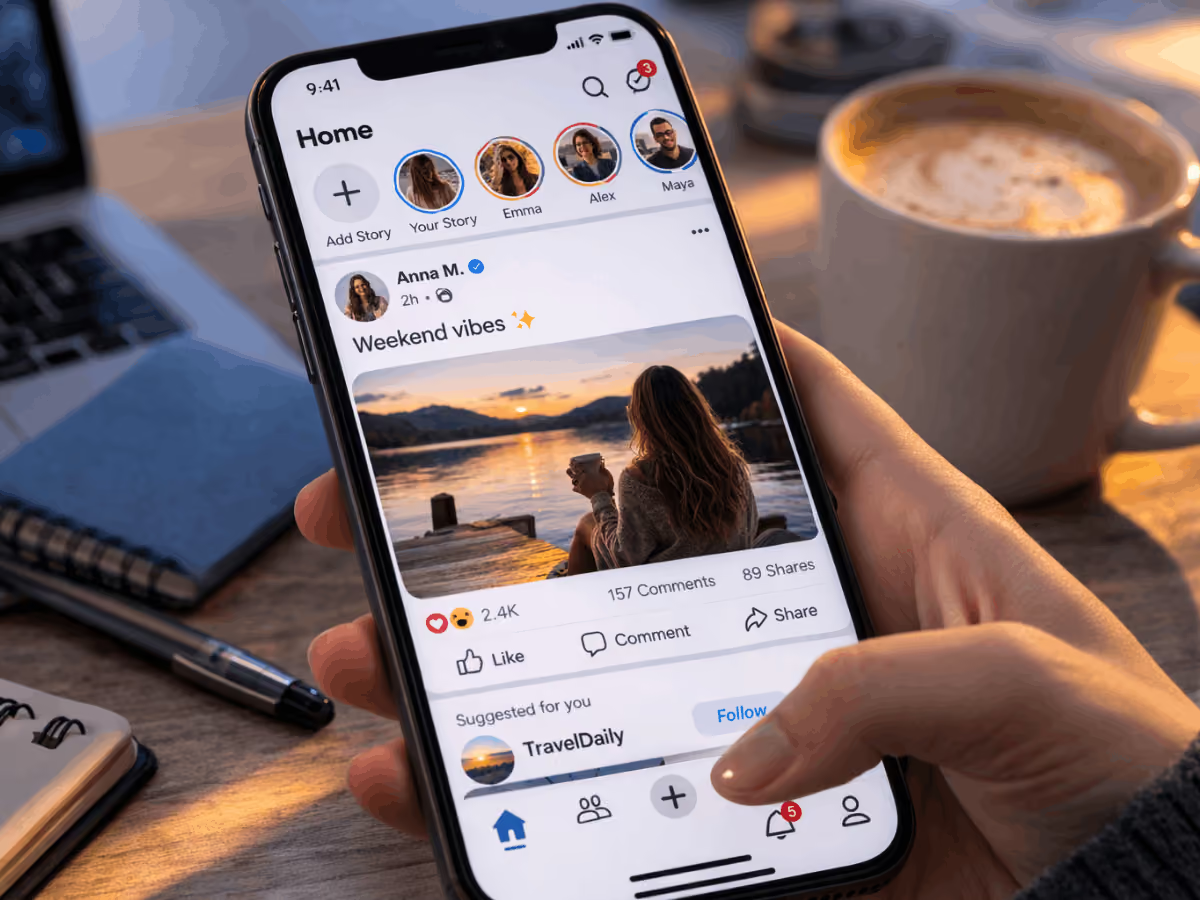
Some social media apps were found collecting detailed behavioral data, device identifiers, and precise location information tied to advertising and profiling. These platforms often integrate multiple third-party tracking tools, increasing how widely user data may circulate.
Shopping and Deal Apps
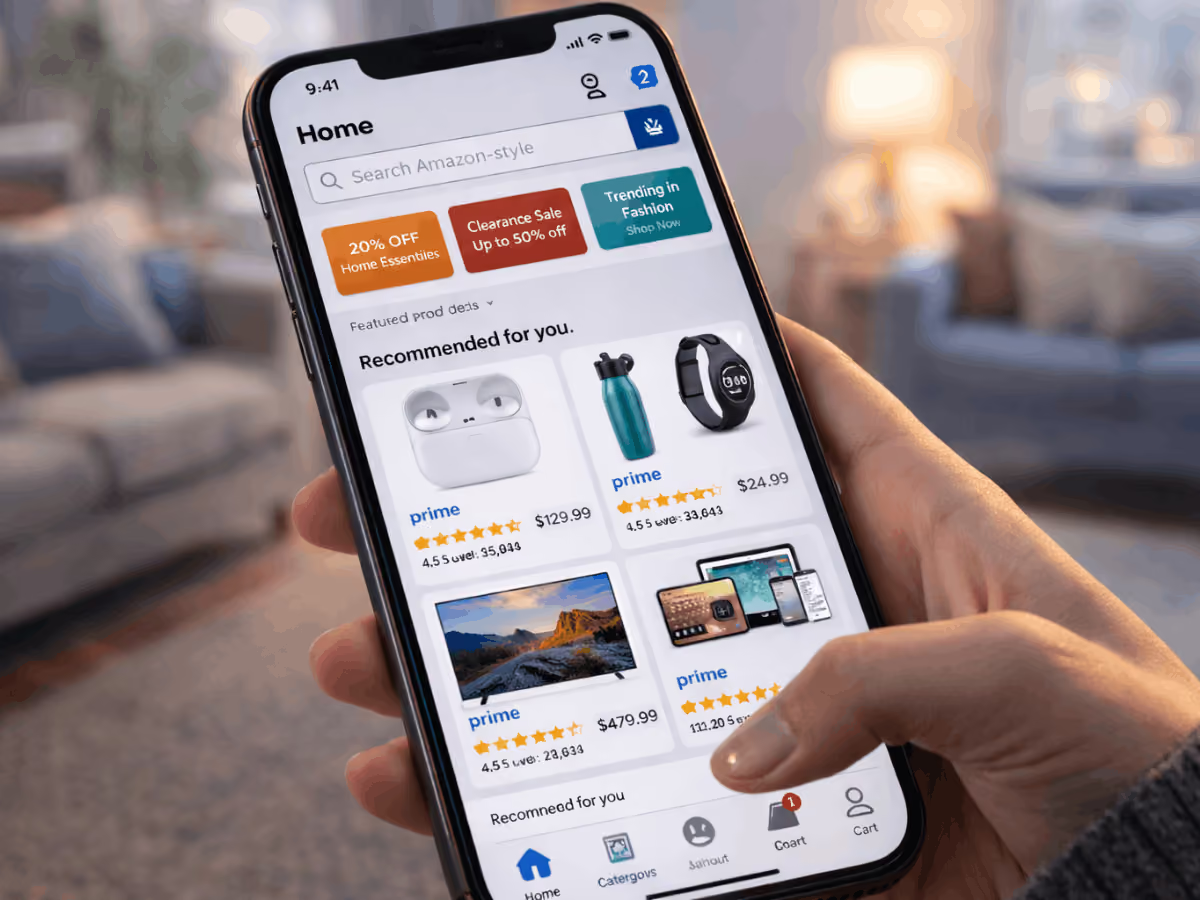
Certain retail and coupon apps requested permissions such as contact access, storage access, and precise location that were not always clearly tied to checkout or browsing functionality. The concern is not online shopping itself. It is the scope of data attached to that activity.
Fitness and Lifestyle Apps
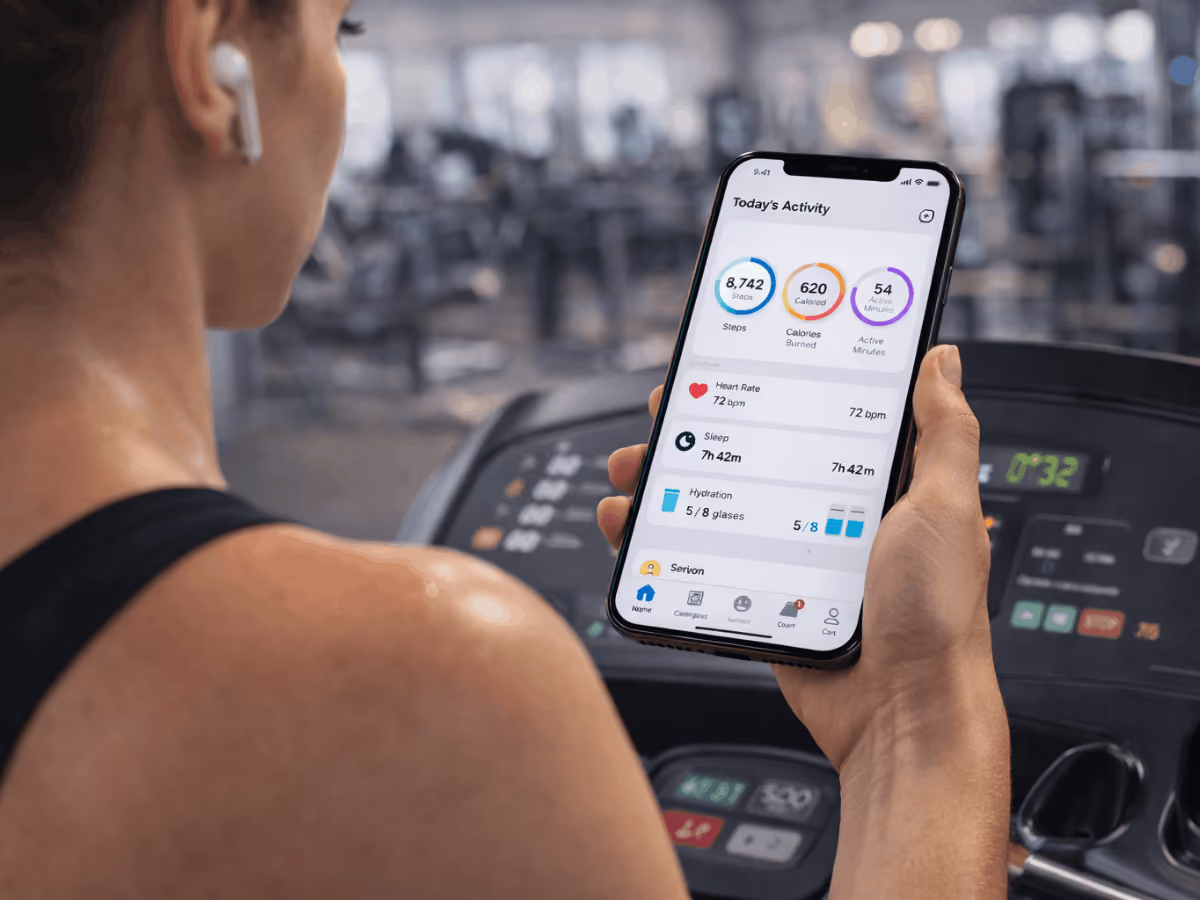
Some fitness apps collected continuous location tracking and sensitive usage patterns linked to personal routines. When tied to profiles, that data can reveal movement habits and behavioral trends.
Utility Apps
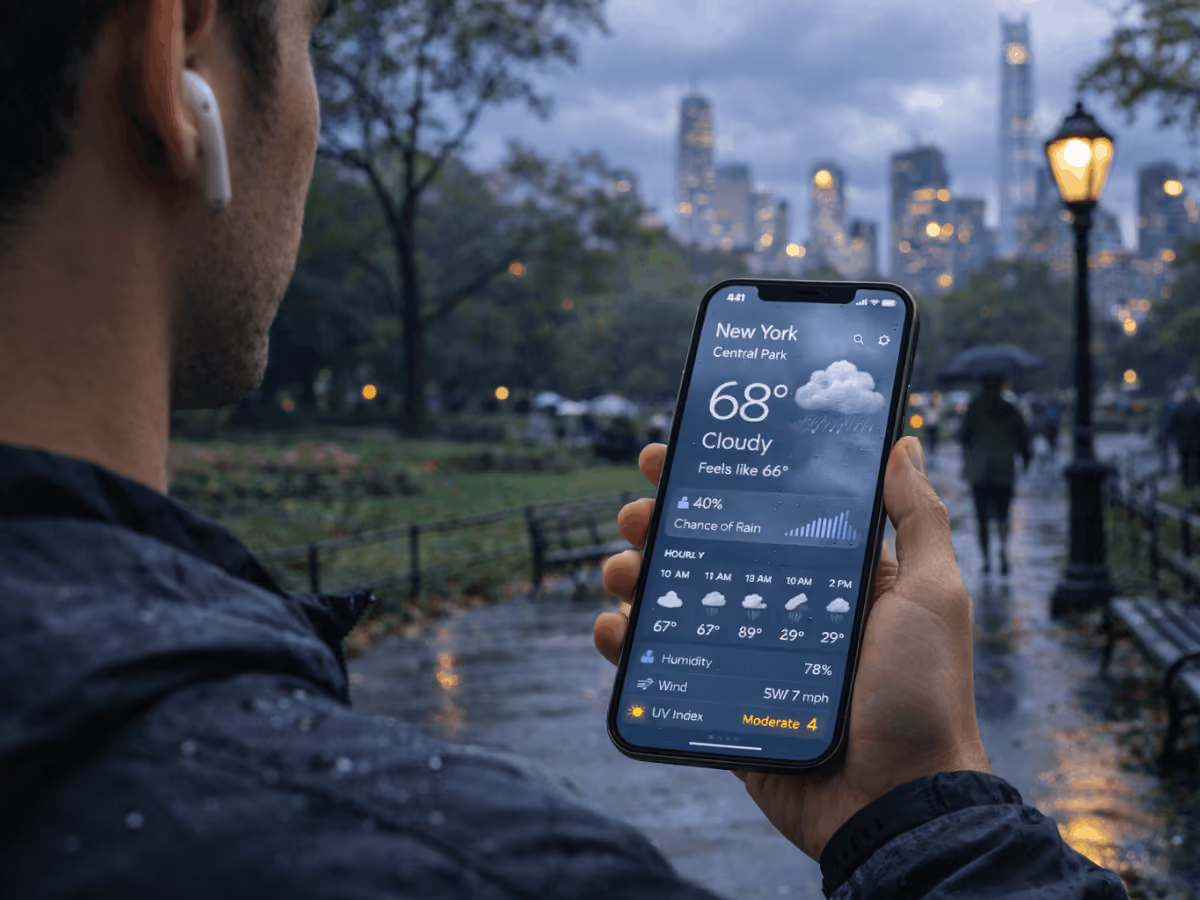
Person holding a smartphone displaying a weather forecast app showing rain conditions while standing in a city park on a rainy day.
Tools such as QR scanners, flashlight apps, and similar utilities were flagged for requesting permissions unrelated to their basic purpose. When a simple utility asks for contact lists or precise location, it raises legitimate questions.
Apps With Insecure Data Transmission
.avif)
Researchers also identified dozens of widely used iPhone apps that failed to properly secure data while it was being transmitted. Under certain conditions, especially on shared Wi-Fi networks, exposed data could potentially be intercepted if encryption was weak or misconfigured.
That means even legitimate apps can create risk if security practices fall short.
How Your Data Moves Behind the Scenes
Privacy issues are not just technical flaws. They have real-world consequences for how your data moves, who sees it, and how it is used.
Data Is Not Just Collected. It Is Shared.
Many apps integrate third-party analytics platforms, ad networks, and tracking libraries. That means your data often does not stay inside the app. It can be shared with external partners for advertising, profiling, or performance measurement.
The more parties involved, the harder it becomes to know where your information ends up.
Public WiFi Risks
If an app fails to properly enforce encrypted connections, transmitted data can become exposed. On unsecured or shared networks, such as airport or coffee shop WiFi, weak encryption can make certain information vulnerable. That may include login tokens, device details, or usage data.
You may trust the app. The network is a different story.
“Free” Often Means Data Funded
When an app does not charge a subscription or upfront fee, revenue often comes from advertising or data partnerships. User data becomes part of the business model.
You are not paying with money. You are paying with information.
Understanding how data is collected, shared, and monetized is the first step. Next, we will look at what you should check on your own device right now.
Signs an App May Be Risky
Check your apps for these less obvious warning signs. They can indicate invasive apps or privacy invasive apps that collect a surprising amount of device data without you realizing it.
- Requests excessive device info: Serial numbers, advertising IDs, system settings, or other personal info that goes beyond what the app requires.
- Tracks usage across other apps: Some very popular apps and language learning apps build profiles beyond their own interface, sharing data with third parties for advertising purposes or marketing purposes.
- Pushes unexpected notifications or ads: If your favorite apps suddenly push ads or notifications, it could mean the app tracks your browsing history or mobile device activity in the background.
- Requires unnecessary account creation: Extra logins, social media sign-ins, or permissions for apps like weather apps, messaging apps, or even YouTube Music can indicate excessive permissions.
- Offers limited or no data deletion options: Apps that do not allow you to remove personal info, health data, call logs, or contact info could be storing your private data indefinitely.
- Sudden battery drain or data spikes: This can signal constant background activity, location tracking, or that the app shares data with third parties.
Even apps from Apple’s App Store or Google Maps can sometimes fall into the category of unsafe apps. Checking privacy labels, your App Privacy Report (iPhone), or Permission Manager (Android) helps you spot the most invasive apps before they compromise user privacy or put payment information and other sensitive personal info at risk.
What You Can Do Right Now
Reports show that Facebook sells up to 68.6% of the data it collects to third parties, making it more important than ever to review app permissions and manage what you share. Taking control of your privacy doesn’t require technical expertise, and you can start with these simple steps:
1. Review and Revoke Unnecessary Permissions
Check which apps have access to your camera, microphone, contacts, and other sensitive data. Remove permissions for apps that do not need them. Granting permission unnecessarily increases the high risk of your personal information being collected, shared with third parties, or tracked across social apps.
2. Delete Apps You No Longer Use
Old apps, including some of the most downloaded apps or new apps you tried once, may continue to collect information in the background. Removing such apps immediately reduces your exposure to privacy concerns and limits the amount of personal data apps can hold.
3. Disable Precise Location Unless Required
Turn off precise GPS tracking for apps that don’t need it. General location is usually enough for functionality, and it limits tracking across apps owned by the same company.
4. Avoid Sensitive Logins on Public WiFi
Do not log into apps that store personal information, text messages, or financial details when using unsecured networks. Even social apps, like Facebook, which collects a surprising amount of data, can expose your private data on shared networks.
5. Keep Your Device Operating System Updated
System updates often include security patches that address vulnerabilities exploited in data breaches. Staying current helps protect private information, including sexual orientation, contact info, and other sensitive data collected by mobile apps.
6. Enable Privacy Reporting Tools in Your Phone Settings
Use iPhone’s App Privacy Report or Android’s Permission Manager to monitor which apps are accessing personal information. Review what data is collected, which apps share it, and adjust permissions for high-risk apps. This is especially important for social apps or new apps you just downloaded.
Small changes add up. Implementing even a few of these steps can dramatically reduce your exposure and put you back in control of your digital footprint.
Own Your Digital Privacy
Apps are not inherently bad, but they can collect, share, or expose more data than you realize. Understanding the risks, spotting warning signs, and taking simple steps can make a big difference.
Regularly reviewing app permissions, deleting unused apps, limiting location access, and using built-in privacy reporting tools puts you back in control of your digital life.
Your phone should work for you, not the other way around. A few mindful adjustments today can protect your data tomorrow.
compare phone plans and save up to 80%


.svg)
.svg)

compare your carrier and save up to 63%


.svg)

.svg)

