


Phone Privacy Settings That Expose More Than You Think
You probably check your phone a hundred times a day for messages, maps, playlists, or a quick scroll through your favorite apps. What most people do not realize is that every tap tells a story about them. Your phone does not just collect data, it studies it. That information is not always used maliciously, but it is rarely shared with full transparency.
The right phone privacy settings can help change that. A few quick adjustments can reduce tracking, limit what leaves your device, and give you back some control over your personal data. If you want privacy without giving up convenience, this guide will show you how to make your phone work for you, not the other way around.
Your Phone Isn’t as Private as You Think
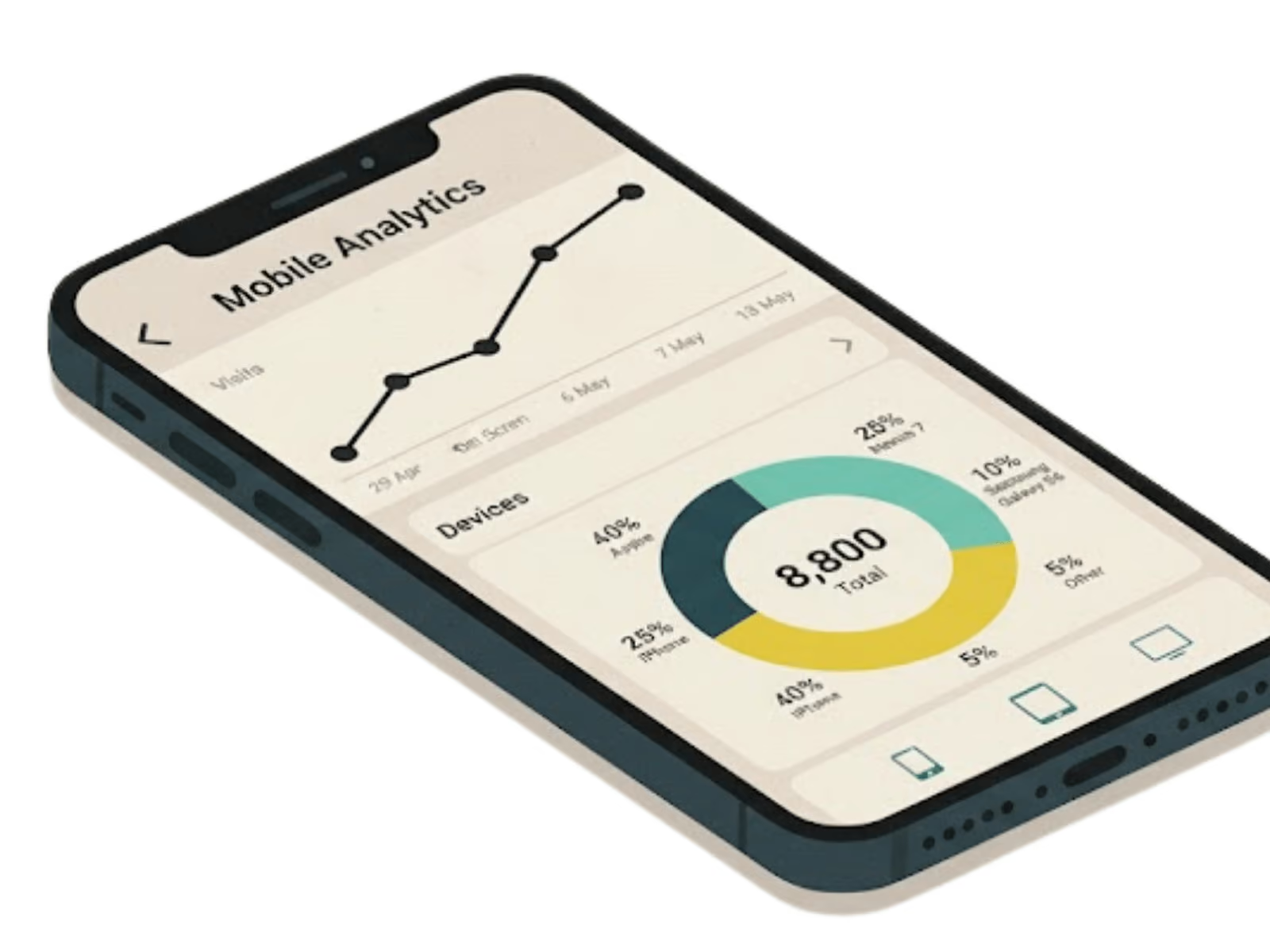
Nine out of ten Americans say online privacy matters to them, yet most do not realize how much data their phones collect every day. Your phone feels personal, but behind the screen, it quietly shares more information than you think. Here is how it happens:
- Every tap tells a story: Apps record what you click, how long you stay, and how often you return. This builds a behavioral profile used to personalize ads or predict your habits.
- Default settings are not private: Phones ship with permissions designed for convenience, not security. Many allow constant location tracking, background data collection, or access to your photos and microphone.
- Small permissions add up: Letting an app know your location or contacts may seem harmless, but together they reveal where you go, who you talk to, and what you like.
- Third parties get your data too: Advertising networks and analytics tools often receive user data from multiple apps, combining it into detailed personal profiles.
- You can change the outcome: Privacy settings give you power to limit this tracking. Adjusting them regularly reduces what companies can learn and share about you.
Your phone may feel private, but the reality is that every swipe, tap, and download creates a trail of information. The sooner you take control, the smaller that trail becomes.
Change These Privacy Settings If You Hate Being Tracked
Your phone collects data constantly, even when you are not using it. These small privacy changes can help you take back control and limit how much information apps and advertisers can access.
1. Limit Location Tracking
Switch app permissions to “While Using App” or “Ask Every Time.” This keeps apps from logging your movements in the background and prevents location data from being stored unnecessarily.
2. Review Camera and Microphone Access
Check which apps can use your camera or microphone and disable the ones that do not need it. This helps stop unauthorized listening or recording when you are not aware.
3. Turn Off Ad Tracking
Use App Tracking Transparency on iPhones or disable ad personalization on Android. Both settings stop advertisers from connecting your browsing, purchase history, and app use into one profile.
4. Restrict Background Activity
Turn off background app refresh for apps that do not need constant updates. It reduces hidden tracking, improves privacy, and extends battery life.
5. Reset Your Advertising ID
Reset your ad ID regularly to break the link between your phone and targeted marketing data. It is one of the simplest ways to reduce cross-app tracking.
6. Hide Notifications on Lock Screen
Disable message previews and sensitive app alerts on your lock screen. This keeps personal details from being visible to anyone who picks up your phone.
These updates take just a few minutes but can make a real difference in how much of your personal data gets shared. Privacy does not mean cutting off convenience, it means making sure you stay in control.
Hidden Settings Few People Know About
Even if you manage your main permissions, your phone still has hidden settings that quietly share data in the background. Most users never check them, but adjusting these can make a big difference in your privacy.
- Bluetooth and nearby scanning: Your phone can still detect nearby devices even when Bluetooth and Wi-Fi are off. Disable this in your location settings to stop passive tracking.
- Clipboard access: Some apps can read what you copy, including passwords and personal details. Clear your clipboard often and avoid copying sensitive information.
- Analytics and diagnostics reports: Phones automatically send crash data and usage logs to Apple, Google, or manufacturers. Turn this off if you prefer not to share device activity.
- App install and usage history: Both Android and iOS track which apps you install, remove, or open most. Disabling personalized recommendations reduces behavioral profiling.
- Sensor and motion data: Accelerometers and gyroscopes can reveal physical activity patterns or movement. Limit access for non-fitness apps.
- Search and voice history: Voice assistants like Siri or Google Assistant store recordings and transcripts. Review and delete these regularly to keep them from being used for training algorithms.
These hidden settings may not seem critical, but they help tech companies learn more about you than you realize. Turning them off gives you quiet control over how much your phone really knows. You can also explore practical ways to strengthen your smartphone privacy and lock down your data in our guide on boosting smartphone privacy.
Want More Privacy? These Apps Have Your Back
Roughly one in four Americans say they are asked to agree to a privacy policy every day, a reminder of how often apps request access to personal data. Privacy settings can only do so much on their own, so these tools help you protect your information, control permissions, and stop your data from being tracked or sold.
1. Go Invisible Online with a VPN
A VPN hides your IP address and encrypts your connection, keeping your browsing private on public Wi-Fi. Whether you are streaming on YouTube or logging in from a new device, it adds another layer of safety for any Android device or iPhone.
2. Browse Without Being Followed
Privacy-focused browsers such as DuckDuckGo, Brave, or Firefox Focus automatically block hidden trackers and targeted ads. They also clear cookies and browsing history when you close the app, helping you automatically delete stored data.Adjusting your browser privacy settings can also strengthen your overall data protection.
3. See Who’s Watching with Permission Managers
Apps like Bouncer (Android) and built-in privacy dashboards show how many apps are using your camera, microphone, or location. You can grant temporary access, auto delete permissions, or limit background use depending on your Android privacy settings.
4. Keep Chats Private with Encrypted Messaging
Signal, Telegram, and WhatsApp offer end to end encrypted messaging so only you and your contacts can read your conversations. These apps also let you hide your profile picture and enable disappearing messages for more control.
5. Lock Down Logins with a Password Manager
Password managers such as Bitwarden or 1Password create and store strong passwords safely across devices. Some even include new features that alert you if a login has been exposed, helping you stay ahead of security threats.
A few simple tools can turn your Android device into a more private space without losing convenience. Combine them with regular updates, permission reviews, and account safety checks to stay protected across all your apps and social platforms even the ones hiding in your footer links social module.
Trade-Offs, Downsides, and What to Watch Out For
Around 85% of adults worldwide say they want stronger control over their online privacy, yet many still overlook how much protection is already built into their phones. Turning on the right privacy and security settings can make a big difference, even if it slightly changes how your device works. The key is finding a balance between safety and convenience so your data stays private while your phone stays functional.
- Battery and performance impact: Extra privacy tools, such as VPNs or device finders that analyze traffic, can use more battery and slightly slow performance. Some operating systems handle this better, but the trade-off varies by device.
- Limited app functionality: Apps that rely on precise location or local network access may not work properly if location services are restricted. Always review each app in your settings app before turning off critical settings.
- More manual updates: Turning off intelligent features or automatic syncing means you may need to update apps manually or re-enter your verification code when signing in to a new device.
- False sense of security: Even if your google account privacy checkup looks clean, information stored by other apps or websites can still be collected by data brokers. Enable two factor authentication and regularly delete advertising ID data for more security.
- Frequent pop-ups and prompts: When you tighten permissions, your phone may ask for access to your microphone, camera, or fingerprint unlock more often. It may feel repetitive, but it helps prevent unwanted tracking and access to sensitive data.
Privacy is not about turning everything off. It is about understanding how your google account settings, location information, and browsing history work together and deciding what level of control makes you feel safest.
Take Control Before Your Data Controls You
Your phone is designed to make life easier, but that convenience comes with a cost. Every tap, scroll, and search leaves behind data that companies use to learn more about you than you realize.
You do not need to delete every app or turn off your phone to stay safe. Small changes such as checking permissions, turning off background tracking, and using privacy-focused tools can make a big difference. Many developers are now designing mobile apps with privacy in mind, giving users more control over how their information is collected and shared.
Privacy is not about paranoia; it is about awareness. The more you understand how your phone gathers and distributes data, the more power you have to decide what stays private. Start with one small change today and take back a piece of your digital space.
compare phone plans and save up to 80%


.svg)
.svg)

compare your carrier and save up to 63%


.svg)

.svg)

